
Marquee
Usage
Use the default slot with your content to create an infinite scrolling animation.
<template>
  <PMarquee>
    <PIcon name="i-simple-icons-github" class="size-10 shrink-0" />
    <PIcon name="i-simple-icons-discord" class="size-10 shrink-0" />
    <PIcon name="i-simple-icons-x" class="size-10 shrink-0" />
    <PIcon name="i-simple-icons-instagram" class="size-10 shrink-0" />
    <PIcon name="i-simple-icons-linkedin" class="size-10 shrink-0" />
    <PIcon name="i-simple-icons-facebook" class="size-10 shrink-0" />
  </PMarquee>
</template>Pause on Hover
Use the pause-on-hover prop to pause the animation when the user hovers over the content.
<template>
  <PMarquee pause-on-hover>
    <PIcon name="i-simple-icons-github" class="size-10 shrink-0" />
    <PIcon name="i-simple-icons-discord" class="size-10 shrink-0" />
    <PIcon name="i-simple-icons-x" class="size-10 shrink-0" />
    <PIcon name="i-simple-icons-instagram" class="size-10 shrink-0" />
    <PIcon name="i-simple-icons-linkedin" class="size-10 shrink-0" />
    <PIcon name="i-simple-icons-facebook" class="size-10 shrink-0" />
  </PMarquee>
</template>
Reverse
Use the reverse prop to reverse the direction of the animation.
<template>
  <PMarquee reverse>
    <PIcon name="i-simple-icons-github" class="size-10 shrink-0" />
    <PIcon name="i-simple-icons-discord" class="size-10 shrink-0" />
    <PIcon name="i-simple-icons-x" class="size-10 shrink-0" />
    <PIcon name="i-simple-icons-instagram" class="size-10 shrink-0" />
    <PIcon name="i-simple-icons-linkedin" class="size-10 shrink-0" />
    <PIcon name="i-simple-icons-facebook" class="size-10 shrink-0" />
  </PMarquee>
</template>
Orientation
Use the orientation prop to change the scrolling direction.
<template>
  <PMarquee orientation="vertical">
    <PIcon name="i-simple-icons-github" class="size-10 shrink-0" />
    <PIcon name="i-simple-icons-discord" class="size-10 shrink-0" />
    <PIcon name="i-simple-icons-x" class="size-10 shrink-0" />
    <PIcon name="i-simple-icons-instagram" class="size-10 shrink-0" />
    <PIcon name="i-simple-icons-linkedin" class="size-10 shrink-0" />
    <PIcon name="i-simple-icons-facebook" class="size-10 shrink-0" />
  </PMarquee>
</template>
Repeat
Use the repeat prop to specify how many times the content should be repeated in the animation.
<template>
  <PMarquee :repeat="6">
    <PIcon name="i-simple-icons-github" class="size-10 shrink-0" />
    <PIcon name="i-simple-icons-discord" class="size-10 shrink-0" />
    <PIcon name="i-simple-icons-x" class="size-10 shrink-0" />
    <PIcon name="i-simple-icons-instagram" class="size-10 shrink-0" />
    <PIcon name="i-simple-icons-linkedin" class="size-10 shrink-0" />
    <PIcon name="i-simple-icons-facebook" class="size-10 shrink-0" />
  </PMarquee>
</template>
Overlay
Use the overlay prop to remove the gradient overlays on the edges of the marquee.
<template>
  <PMarquee :overlay="false">
    <PIcon name="i-simple-icons-github" class="size-10 shrink-0" />
    <PIcon name="i-simple-icons-discord" class="size-10 shrink-0" />
    <PIcon name="i-simple-icons-x" class="size-10 shrink-0" />
    <PIcon name="i-simple-icons-instagram" class="size-10 shrink-0" />
    <PIcon name="i-simple-icons-linkedin" class="size-10 shrink-0" />
    <PIcon name="i-simple-icons-facebook" class="size-10 shrink-0" />
  </PMarquee>
</template>
Examples
Testimonials
Use the Marquee component to create an infinite scrolling animation for your testimonials.
Alex
Example user
Sam
Example user
Taylor
Example user
Alex
Example user
Sam
Example user
Taylor
Example user
Alex
Example user
Sam
Example user
Taylor
Example user
Alex
Example user
Sam
Example user
Taylor
Example user
Alex
Example user
Sam
Example user
Taylor
Example user
Alex
Example user
Sam
Example user
Taylor
Example user
Alex
Example user
Sam
Example user
Taylor
Example user
Alex
Example user
Sam
Example user
Taylor
Example user
<script setup lang="ts">
import type { UserProps } from 'pohon-ui'

// Illustrative content for the marquee example, not customer endorsements.
const testimonials: Array<{ user: UserProps; quote: string }> = [
  {
    user: { name: 'Alex', description: 'Example user' },
    quote: 'Add a short quote from a real customer here.'
  },
  {
    user: { name: 'Sam', description: 'Example user' },
    quote: 'Use this card to highlight feedback about your product.'
  },
  {
    user: { name: 'Taylor', description: 'Example user' },
    quote: 'Replace the sample copy with a verified testimonial.'
  }
]
</script>

<template>
  <div class="flex flex-col gap-4 w-full">
    <PMarquee
      pause-on-hover
      :overlay="false"
      :ui="{ root: '[--gap:1rem]', content: 'w-auto py-1' }"
    >
      <PPageCard
        v-for="(testimonial, index) in testimonials"
        :key="index"
        variant="subtle"
        :description="testimonial.quote"
        :ui="{
          description: 'before:content-[open-quote] after:content-[close-quote] line-clamp-3'
        }"
        class="shrink-0 w-64"
      >
        <template #footer>
          <PUser v-bind="testimonial.user" size="xl" :ui="{ description: 'line-clamp-1' }" />
        </template>
      </PPageCard>
    </PMarquee>
    <PMarquee
      pause-on-hover
      reverse
      :overlay="false"
      :ui="{ root: '[--gap:1rem]', content: 'w-auto py-1' }"
    >
      <PPageCard
        v-for="(testimonial, index) in testimonials"
        :key="index"
        variant="subtle"
        :description="testimonial.quote"
        :ui="{
          description: 'before:content-[open-quote] after:content-[close-quote] line-clamp-3'
        }"
        class="shrink-0 w-64"
      >
        <template #footer>
          <PUser v-bind="testimonial.user" size="xl" :ui="{ description: 'line-clamp-1' }" />
        </template>
      </PPageCard>
    </PMarquee>
  </div>
</template>Screenshots
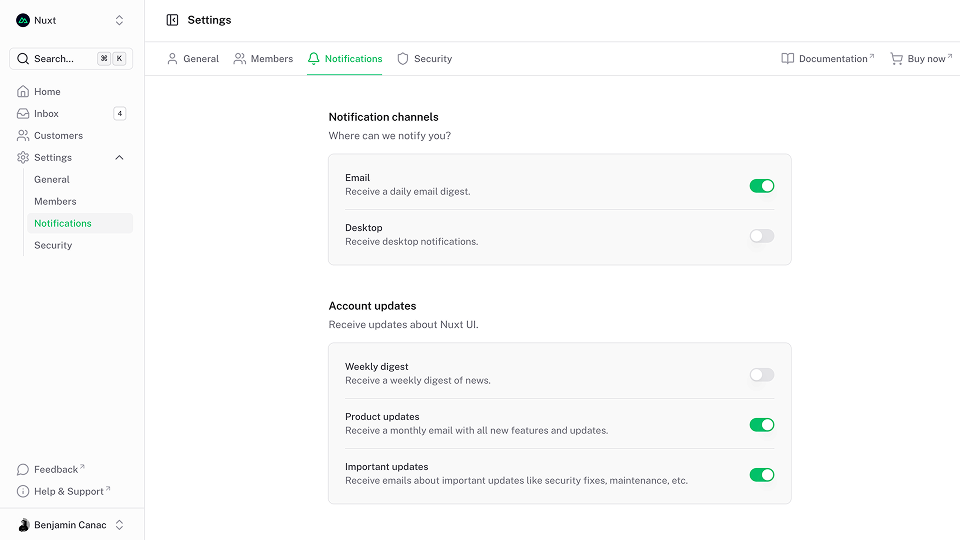
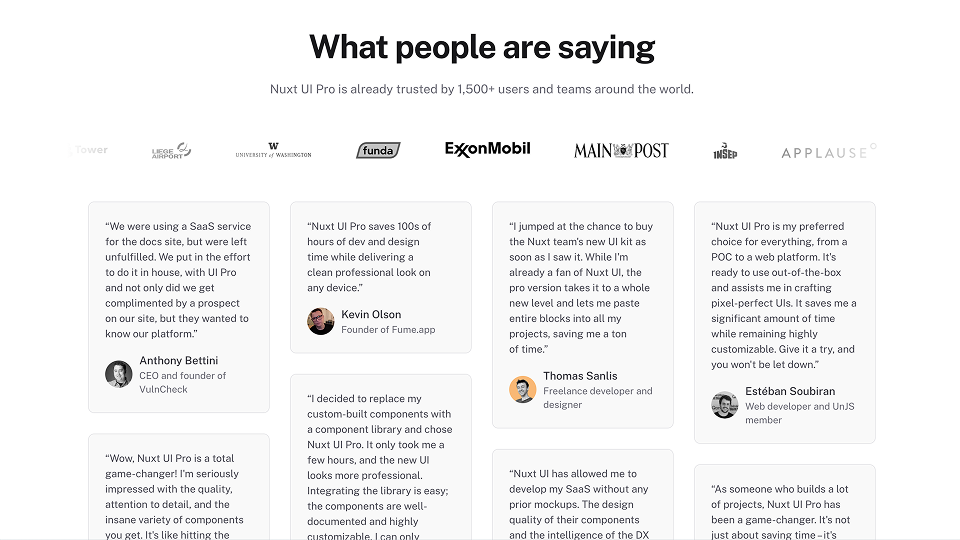
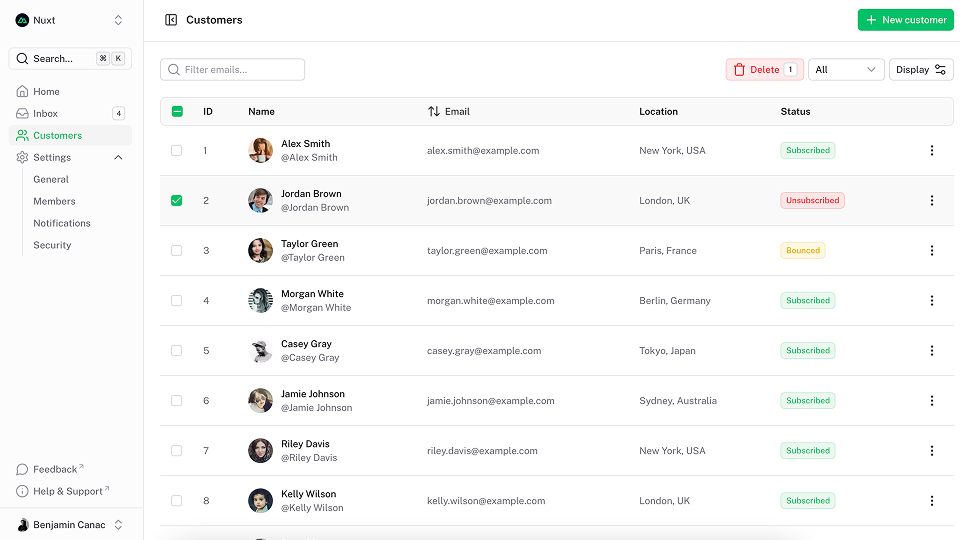
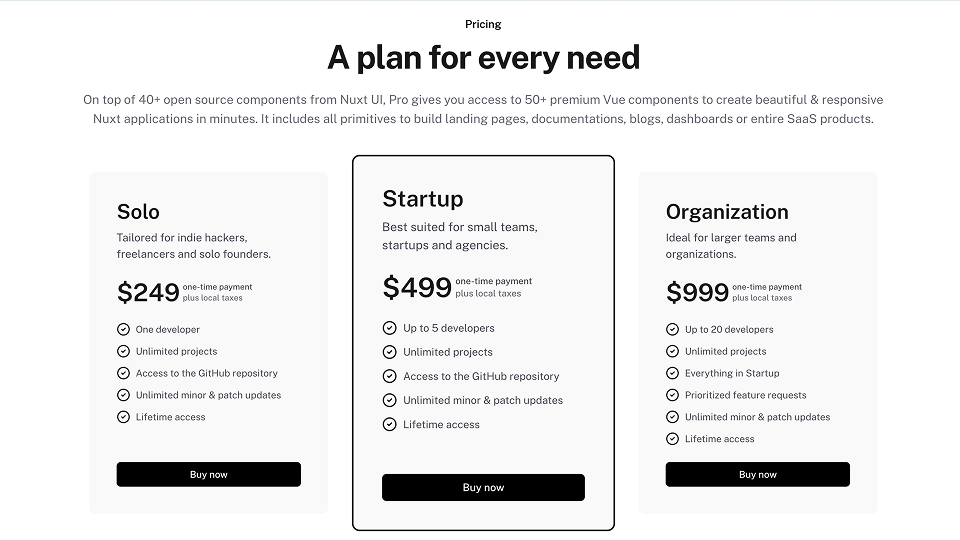
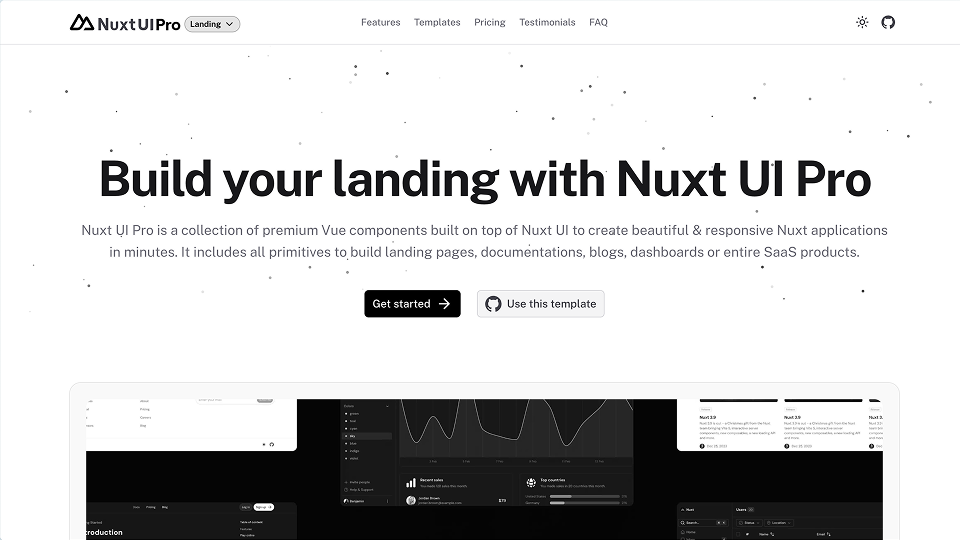
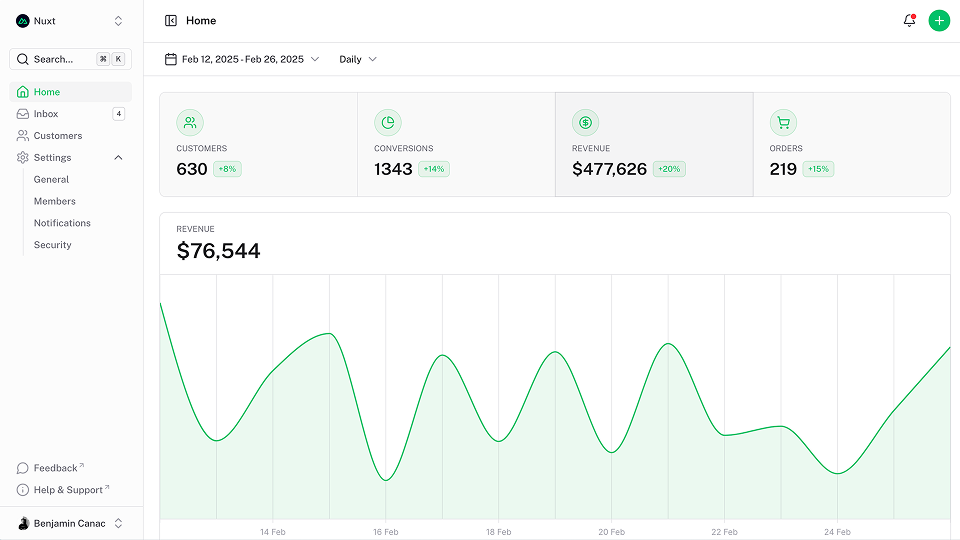
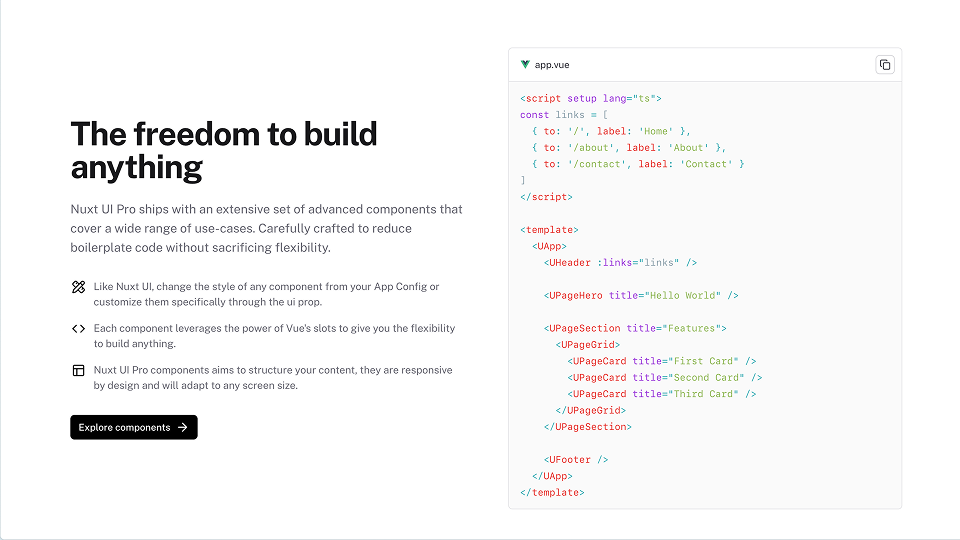
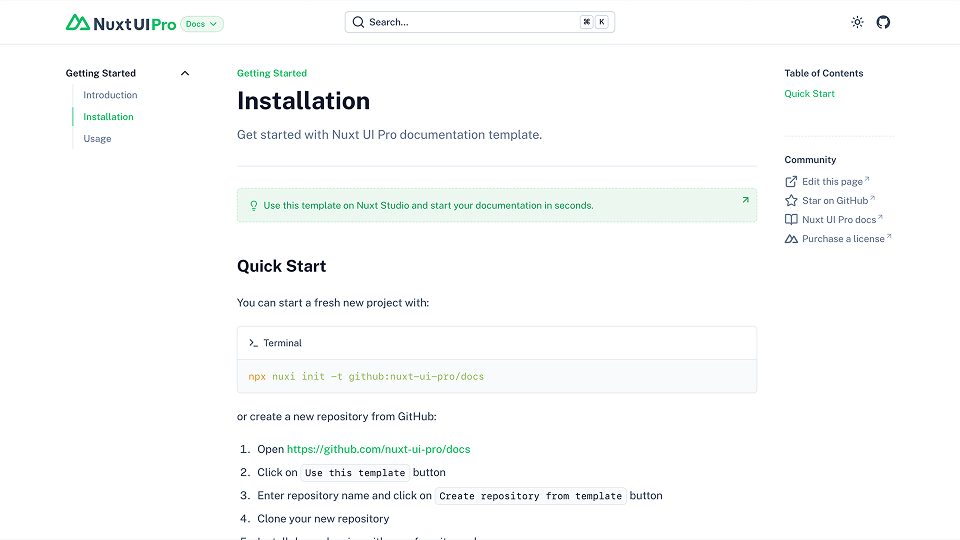
Use the Marquee component to create an infinite scrolling animation for your screenshots.

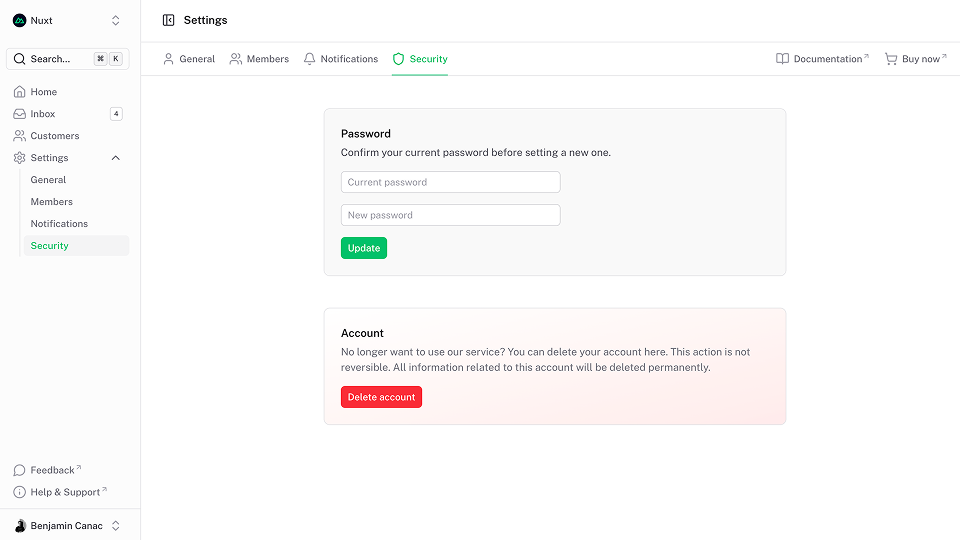
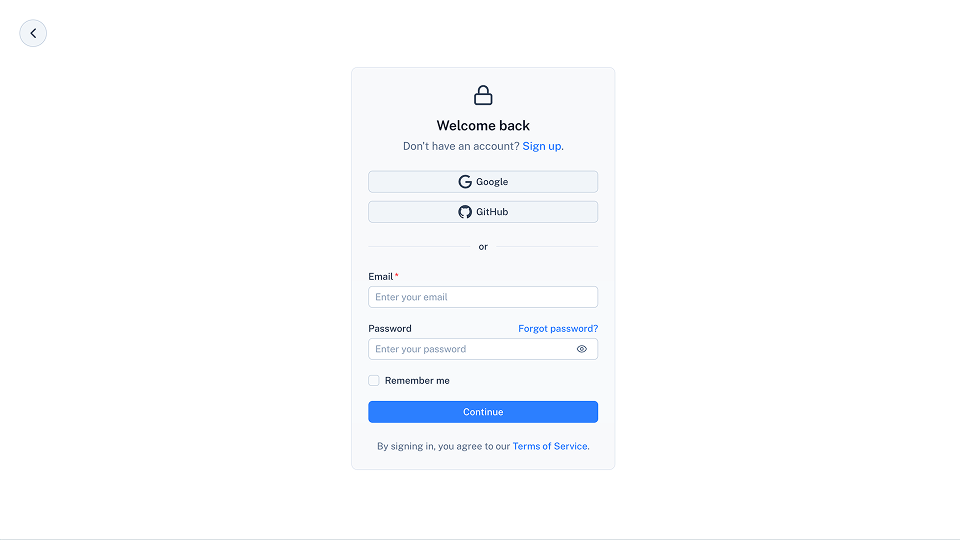
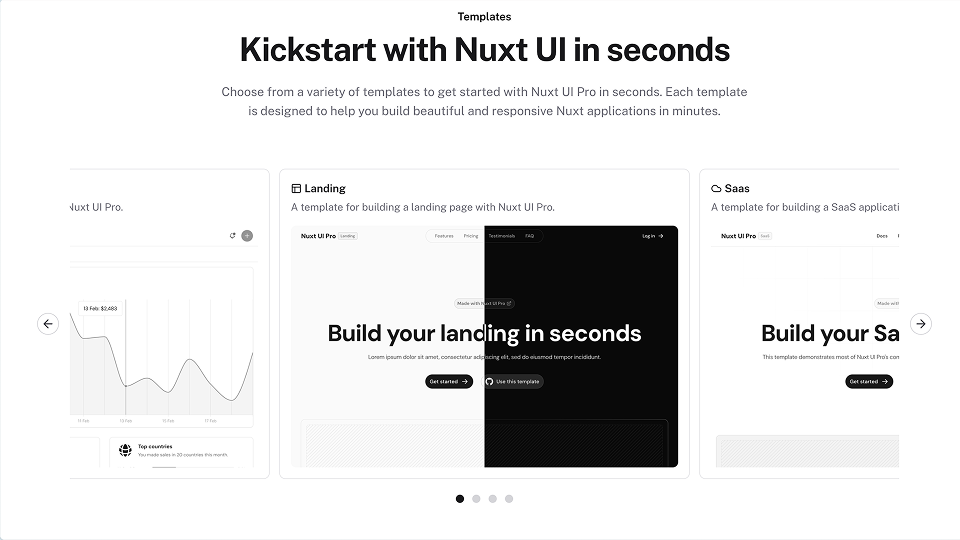
<template>
  <div class="bg-background-muted h-[400px] w-full relative overflow-hidden">
    <PMarquee
      reverse
      orientation="vertical"
      :overlay="false"
      :ui="{
        root: '[--duration:40s] absolute w-[460px] -left-[100px] -top-[300px] h-[940px] transform-3d rotate-x-55 rotate-y-0 rotate-z-30'
      }"
    >
      <img
        v-for="i in 4"
        :key="i"
        :src="`/blocks/image${i}.png`"
        width="460"
        height="258"
        :alt="`Pohon UI Screenshot ${i}`"
        loading="lazy"
        class="border border-border rounded-lg bg-white aspect-video"
      />
    </PMarquee>
    <PMarquee
      orientation="vertical"
      :overlay="false"
      :ui="{
        root: '[--duration:40s] absolute w-[460px] -top-[400px] left-[480px] h-[1160px] transform-3d rotate-x-55 rotate-y-0 rotate-z-30'
      }"
    >
      <img
        v-for="i in [5, 6, 7, 8]"
        :key="i"
        :src="`/blocks/image${i}.png`"
        width="460"
        height="258"
        :alt="`Pohon UI Screenshot ${i}`"
        loading="lazy"
        class="border border-border rounded-lg bg-white aspect-video"
      />
    </PMarquee>
    <PMarquee
      reverse
      orientation="vertical"
      :overlay="false"
      :ui="{
        root: 'hidden md:flex [--duration:40s] absolute w-[460px] -top-[300px] left-[1020px] h-[1060px] transform-3d rotate-x-55 rotate-y-0 rotate-z-30'
      }"
    >
      <img
        v-for="i in [9, 10, 11, 12]"
        :key="i"
        :src="`/blocks/image${i}.png`"
        width="460"
        height="258"
        :alt="`Pohon UI Screenshot ${i}`"
        loading="lazy"
        class="border border-border rounded-lg bg-white aspect-video"
      />
    </PMarquee>
  </div>
</template>API
Props
| Prop | Default | Type |
|---|---|---|
as | 'div' | anyThe element or component this component should render as. |
pauseOnHover | false | boolean Pause the marquee on hover. |
reverse | false | boolean Reverse the direction of the marquee. |
orientation | 'horizontal' | "horizontal" | "vertical"The orientation of the marquee. |
repeat | 4 | numberThe number of times the marquee should repeat. |
overlay | true | boolean Display an overlay on the marquee. |
ui | { root?: SlotClass; content?: SlotClass; } |
Slots
| Slot | Type |
|---|---|
default | {} |
Theme
export default defineAppConfig({
  ui: {
    marquee: {
      slots: {
        root: 'group flex gap-$gap [--duration:20s] [--gap:calc(var(--spacing)*16)] items-center relative overflow-hidden',
        content: 'flex shrink-0 gap-$gap min-w-max items-center justify-around'
      },
      variants: {
        orientation: {
          horizontal: {
            content: 'w-full'
          },
          vertical: {
            content: 'h-full'
          }
        },
        pauseOnHover: {
          true: {
            content: 'group-hover:[animation-play-state:paused]'
          }
        },
        reverse: {
          true: {
            content: '![animation-direction:reverse]'
          }
        },
        overlay: {
          true: {
            root: 'after:pointer-events-none after:content-empty after:absolute after:z-2 after:from-background after:to-transparent before:pointer-events-none before:content-empty before:absolute before:z-2 before:from-background before:to-transparent'
          }
        }
      },
      compoundVariants: [
        {
          orientation: 'horizontal',
          class: {
            root: 'flex-row',
            content: 'flex-row motion-safe:animate-marquee motion-safe:rtl:animate-marquee backface-hidden'
          }
        },
        {
          orientation: 'horizontal',
          overlay: true,
          class: {
            root: 'backface-hidden after:h-full after:w-1/3 after:content-empty after:end-0 after:inset-y-0 after:bg-gradient-to-l before:h-full before:w-1/3 before:content-empty before:start-0 before:inset-y-0 before:bg-gradient-to-r rtl:after:bg-gradient-to-r rtl:before:bg-gradient-to-l'
          }
        },
        {
          orientation: 'vertical',
          class: {
            root: 'flex-col',
            content: 'flex-col motion-safe:animate-marquee-vertical pohon:h-fit backface-hidden'
          }
        },
        {
          orientation: 'vertical',
          overlay: true,
          class: {
            root: 'backface-hidden after:h-1/3 after:w-full after:content-empty after:inset-x-0 after:bottom-0 after:bg-gradient-to-t before:h-1/3 before:w-full before:content-empty before:inset-x-0 before:top-0 before:bg-gradient-to-b'
          }
        }
      ]
    }
  }
})import { defineConfig } from 'vite'
import vue from '@vitejs/plugin-vue'
import ui from 'pohon-ui/vite'
export default defineConfig({
plugins: [
vue(),
ui({
ui: {
marquee: {
slots: {
root: 'group flex gap-$gap [--duration:20s] [--gap:calc(var(--spacing)*16)] items-center relative overflow-hidden',
content: 'flex shrink-0 gap-$gap min-w-max items-center justify-around'
},
variants: {
orientation: {
horizontal: {
content: 'w-full'
},
vertical: {
content: 'h-full'
}
},
pauseOnHover: {
true: {
content: 'group-hover:[animation-play-state:paused]'
}
},
reverse: {
true: {
content: '![animation-direction:reverse]'
}
},
overlay: {
true: {
root: 'after:pointer-events-none after:content-empty after:absolute after:z-2 after:from-background after:to-transparent before:pointer-events-none before:content-empty before:absolute before:z-2 before:from-background before:to-transparent'
}
}
},
compoundVariants: [
{
orientation: 'horizontal',
class: {
root: 'flex-row',
content: 'flex-row motion-safe:animate-marquee motion-safe:rtl:animate-marquee backface-hidden'
}
},
{
orientation: 'horizontal',
overlay: true,
class: {
root: 'backface-hidden after:h-full after:w-1/3 after:content-empty after:end-0 after:inset-y-0 after:bg-gradient-to-l before:h-full before:w-1/3 before:content-empty before:start-0 before:inset-y-0 before:bg-gradient-to-r rtl:after:bg-gradient-to-r rtl:before:bg-gradient-to-l'
}
},
{
orientation: 'vertical',
class: {
root: 'flex-col',
content: 'flex-col motion-safe:animate-marquee-vertical pohon:h-fit backface-hidden'
}
},
{
orientation: 'vertical',
overlay: true,
class: {
root: 'backface-hidden after:h-1/3 after:w-full after:content-empty after:inset-x-0 after:bottom-0 after:bg-gradient-to-t before:h-1/3 before:w-full before:content-empty before:inset-x-0 before:top-0 before:bg-gradient-to-b'
}
}
]
}
}
})
]
})